
Advertisement
Click to download now, finish the installation quickly, and directly unlock the all-round experience
Advertisement
Screenshots
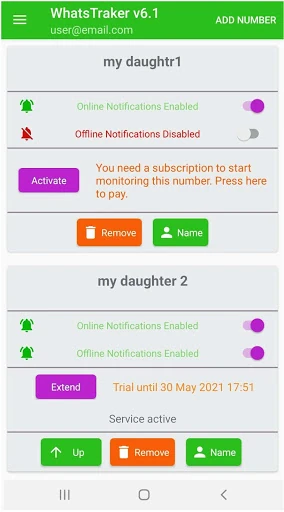
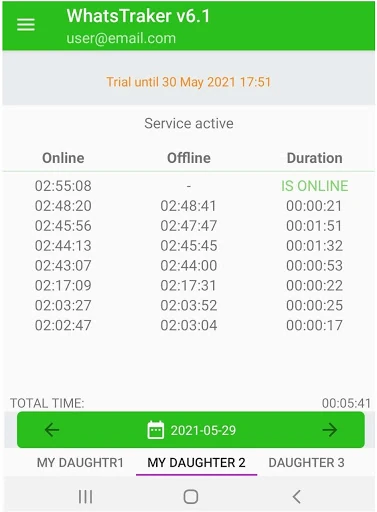
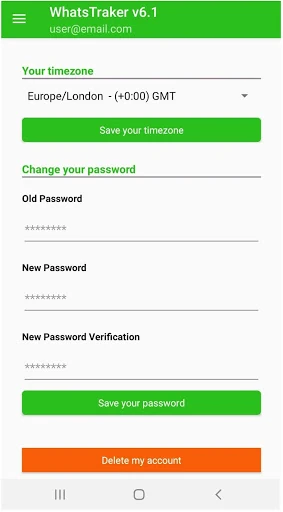
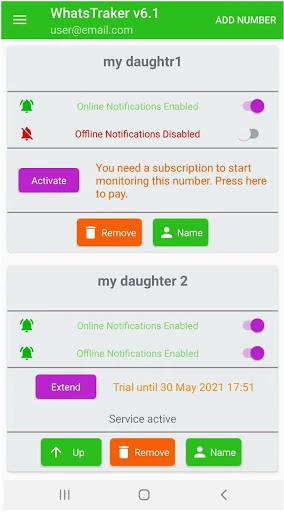
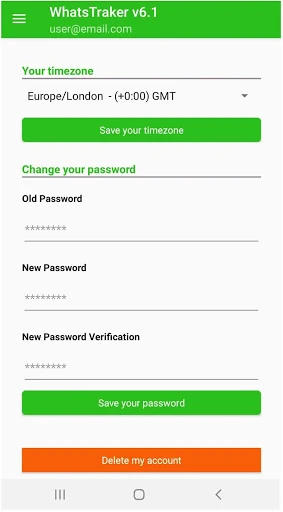
Click to download now, finish the installation quickly, and directly unlock the all-round experience
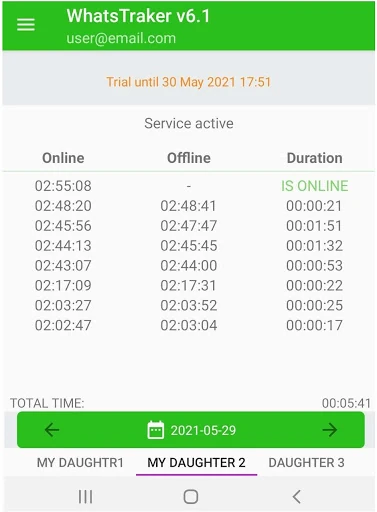
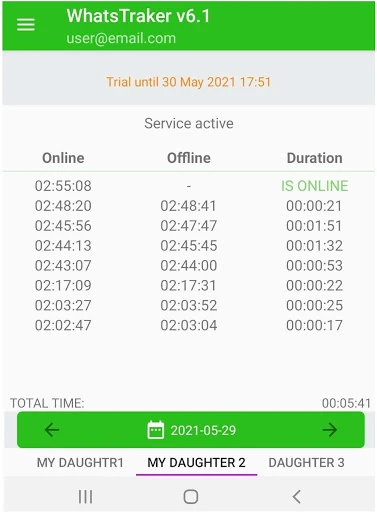
WhatsTraker is a focused activity-monitoring app for parents who want to understand when a child is using a messaging app and how often they connect. Rather than offering a broad set of parental controls, it centers on online and offline activity and the timing of connection periods. That can help a parent spot patterns such as late-night use or frequent checks during study time, but the activity record still needs context from the parent.
Before choosing WhatsTraker, decide whether timing information is the main thing you need. Check that its activity records answer the questions you have: when use happens, how regularly it occurs, and whether sessions appear brief or extended. The app is not described as a content filter or app blocker, so it may not suit families looking to restrict access or review message content. Multilingual support is also noted, which may matter if you need help using the service in a language other than English.
Put WhatsTraker beside two or three alternatives before settling on it. Compare the kind of activity each one records, how clearly it presents connection periods, and whether it includes other parental controls you consider essential. A narrow tracker may be enough if your goal is to discuss device habits; if you need several kinds of protection, look for a broader tool. In either case, agree on what will be monitored and how you will use the information with your child.
WhatsTraker is listed in Parenting and is developed by Avatar Solutions SRL. Its 4.12 rating from 27,170 ratings and 100,000+ installs offer a useful snapshot of its reach, not a guarantee that it fits your family. Use those figures alongside the app’s specific monitoring scope, then check the current Google Play listing for details before deciding.