
Seekee - Ai Search & Assistant
Seekee Ltd
Downloads
50,000,000+
Source
Google Play
Advertisement
Click to download now, finish the installation quickly, and directly unlock the all-round experience
Advertisement
Screenshots
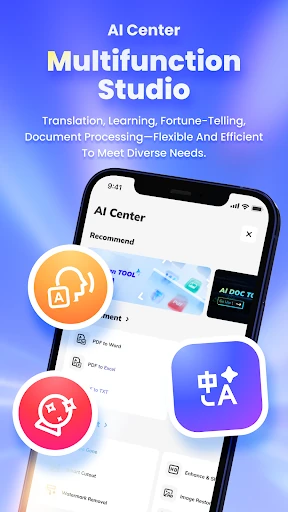
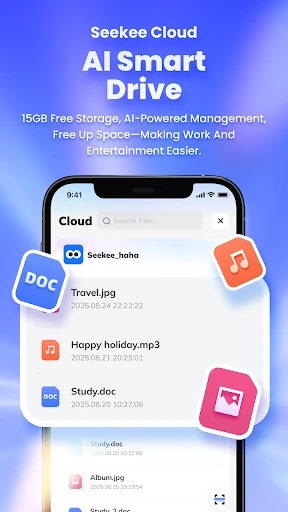
Click to download now, finish the installation quickly, and directly unlock the all-round experience
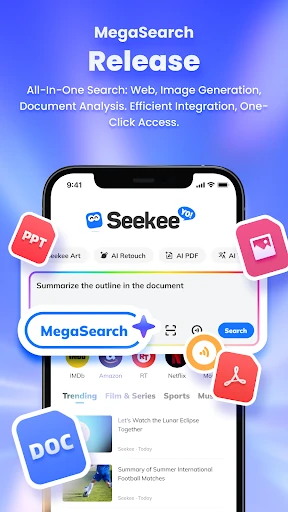
Seekee - Ai Search & Assistant combines web search and AI assistance with tools for documents, images and study tasks. It may suit people who want to look up a topic, ask follow-up questions and handle related work in one app rather than switching between separate utilities. The developer is Seekee Ltd.
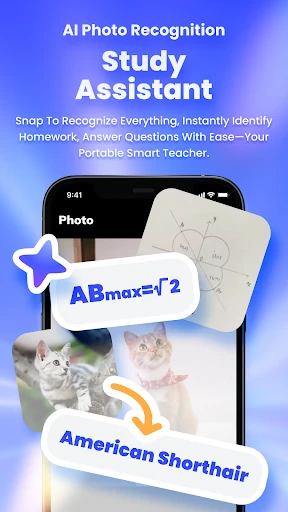
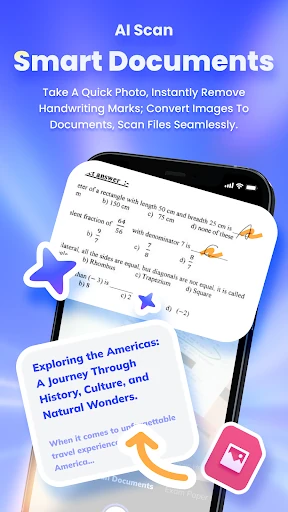
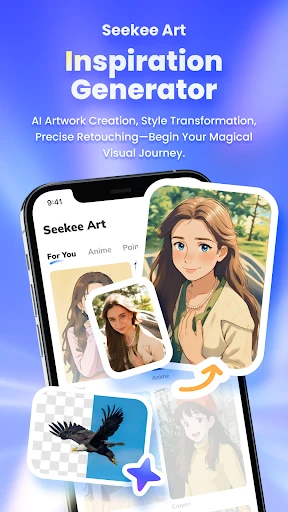
Alongside search and AI help, Seekee includes PDF tools for managing and converting documents, and image features such as removing backgrounds or restoring old photos. Its camera-based tools can scan text or help answer questions about what you photograph. For learning, it can summarize longer material and organize information into mind maps.
That range is useful only if it matches your routine. Before comparing apps, note which jobs matter most: answering questions from the web, editing images, scanning documents or working with PDFs. Then check whether Seekee’s mix covers those needs, or whether a more focused app would be simpler.
Put Seekee beside two or three candidates and compare the specific tasks you care about. For example, test how each handles a follow-up question after a search, a document you need to convert, or text captured with the camera. A long feature list is less useful than checking whether the tools you need are easy to reach and give you a usable result.
Seekee is in the Tools category and has a 4.8 rating from 697,051 reviews, with 50,000,000+ installs. Those figures indicate broad use, but they cannot tell you whether its particular tools suit your needs. Once you have narrowed your choices, review the current Google Play listings and choose the app that best fits the tasks you identified.